
How to Create a Credits Page Template That Saves You Time on TPT
Jan 12, 2026
If you've every finished a resource and felt proud of it, only to realize you still had to make the credits page, you're not alone. It's one of those parts of selling on TPT that's necessary but easy to put off until the very end.
Credits pages matter, but rebuilding one from scratch every single time is a huge time suck. Once I started using a simple credits page template, this became one of the fastest steps in my workflow instead of something I forget or dread.
What a credits page is and why it matters
A credits page is where you give proper credit to the clip artists, font designers, and other creators whose work you used in your resource. Most commercial licenses require attribution, and even when they don't, it's still best practice.
Including a credits page protects you, keeps you in line with licensing terms, and shows that you take your TPT business seriously. It's not just a formality! It's a part of doing things the right way.
The problem with recreating credits pages every time
What usually happens is this: you finish the resource, create the PDF, and then try to remember which creators' materials you used. You dig through old folders, emails, or TPT purchases trying to find store links, all while hoping you didn't forget anyone.
That's time you shouldn't be spending at the end of every single product. And it's completely avoidable! Just create a template.
How to create a credits page template
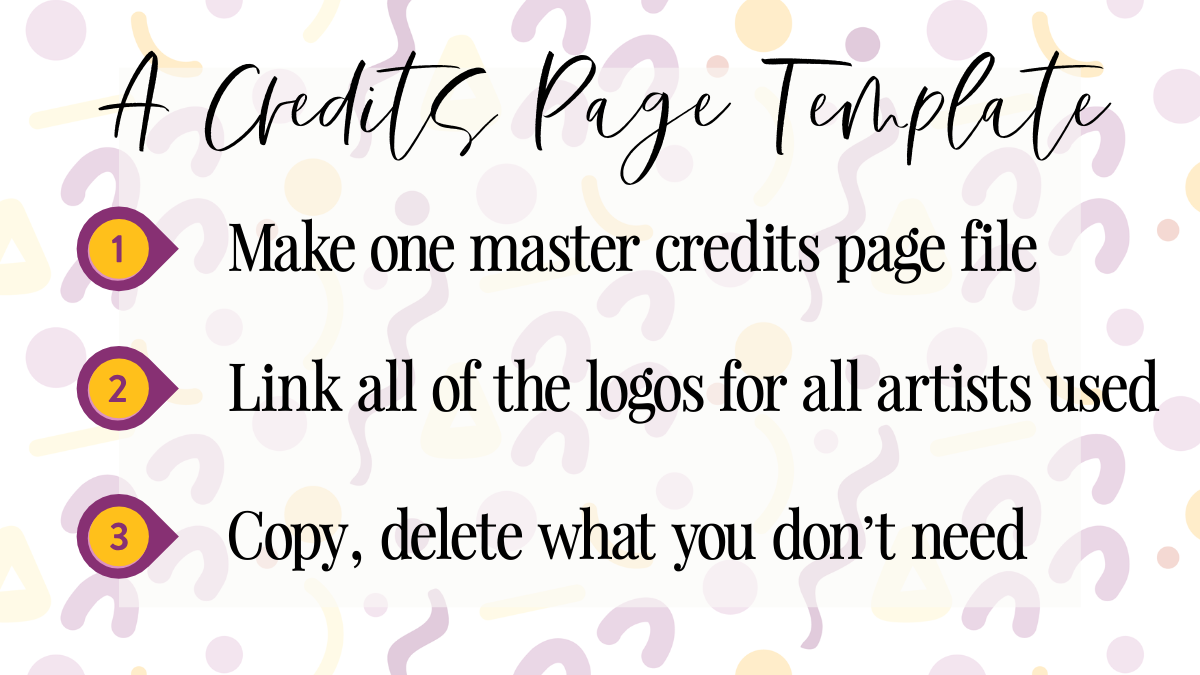
Instead of building a credits page from scratch for every single resource, you can create one master template that already includes the artists you use most often.
This works best if you build it in the same program you already use to create your resources, whether you prefer PowerPoint, Canva, or something else. Start with a blank slide or page and add a simple title at the top, like "Credits". It doesn't need to be fancy. Clean and clear is perfectly fine.
From there, add all of the logos of the clip artists, font creators, template creators, etc that you regularly use and hyperlink each logo directly to their TPT store or website, whichever their licensing requirements state. At this stage, it's better to include more than you think you'll need. You can always delete later!
Tip: Create a row for each type of artists. For example, top row clip art, middle row fonts, last row template creators. It will make it easier to find example which logo(s) you need to keep and which to delete based on each resource,
Before moving on, make sure that each logo has the CORRECT link. Just to be safe! When everything looks good, save this as your master copy. Now, when you copy the credits page into a new resource, you can quickly delete the logos you didn't use. If you need to shuffle things around to fill in gaps, go for it!
Why this saves so much time in the long term
When you're ready to finalize a resource, all you have to do is paste the credits page template into your file, delete the ones you didn't use, and move on to the next step in your listing process. Simple!
There's no wasting time hunting for links and logos. No rebuilding something you've already done before.
Tip: Create one for the credits page per product line. If you use the same artists and creators for a product line, having a credit page for that specific line will save you even more time! Just paste it in and go.
Over time, this is going to save you not minutes, but HOURS! It also reduces the risk of missing a required credit and keeps your products consistent and professional.
Final thought...
Credits pages are required, but they don't need to be a hassle. A simple credits page template with linked logos turns this into a quick, repeatable step instead of a reoccurring frustration. Set it up once, reuse it forever, and keep your mental energy focused on creating high quality resources instead of cleaning up at the end!
Don't have the time to create your own? Grab my TPT Seller Templates Toolkit to get a easily customizable templates for your credits page and more!

Do You Want a FREE List of Words & Phrases to Add to Your TPT Listings That Will Make Them Stand Out?
Join my email list and I'll send you my free Big List of Powerful Keywords and Phrases that teachers are ACTUALLY searching for. You can add these to titles, descriptions, thumbnails & more!
We hate SPAM & promise to never send it. Your contact information is safe and never shared.
TPT for Beginners Coach

